

Configure revision retention per space
Quick answer
In a space's settings, set the number of revisions to keep per model. Beyond that count, the oldest revisions become automatically hidden, stay recoverable on request for 90 days, then are permanently deleted. Useful to stop old versions piling up without deleting them one by one.
A model can receive a new revision every time you import an updated IFC file. Without a limit, revisions pile up indefinitely. In SeveUp App, each space can set how many revisions to keep per model: beyond that count, the oldest ones are archived, then, after a delay, permanently deleted.
Understanding the terms
Before you start
- This setting is per space: it applies to every model in that space, not to a single model on its own.
- With no setting, no revision is ever touched — your space's current behavior does not change until you set something.
- Revisions are ranked per model, from the most recent version number to the oldest. A model with only 2 revisions and a setting of 10 is not affected by anything.
Set how many revisions to keep
Settings
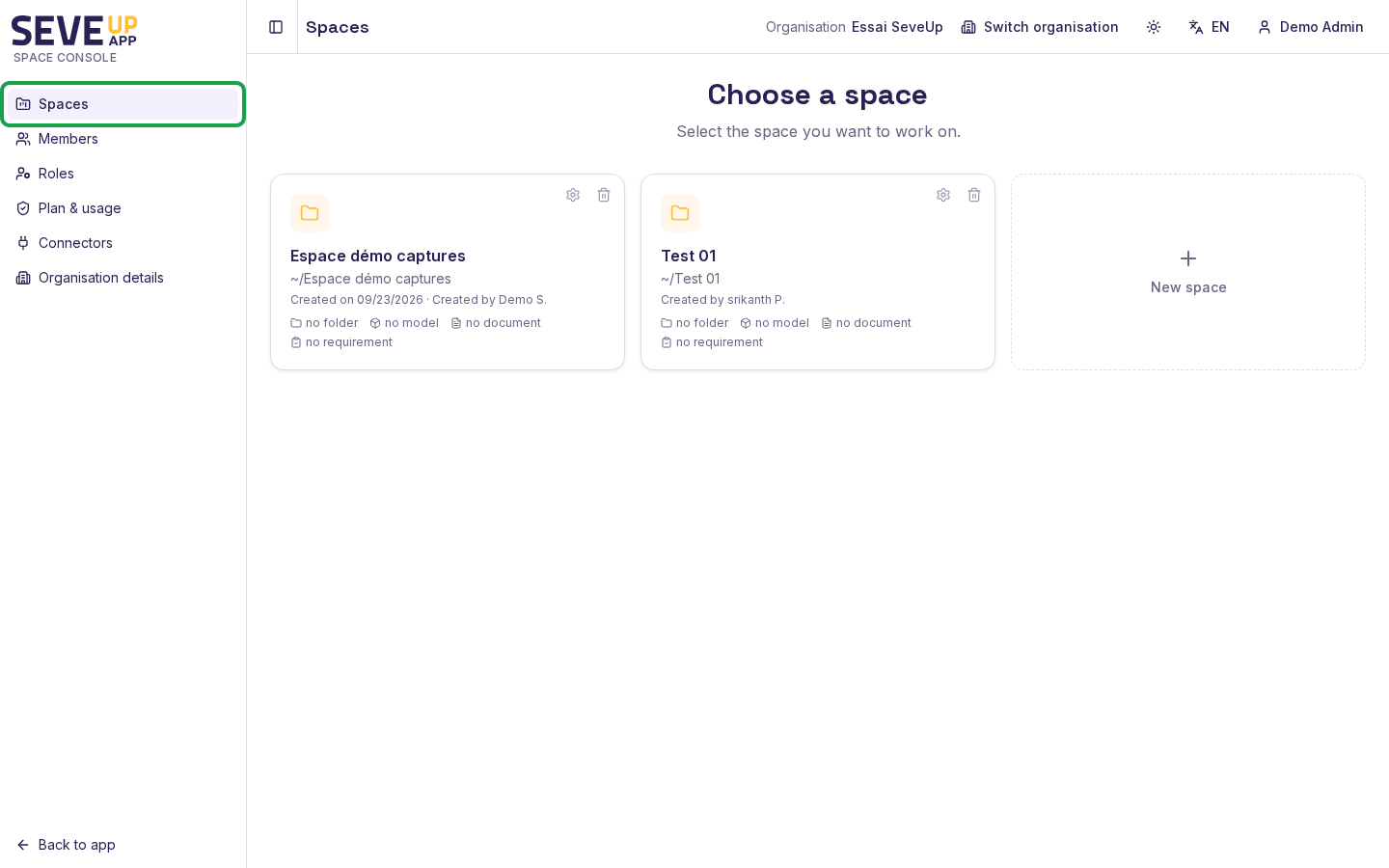
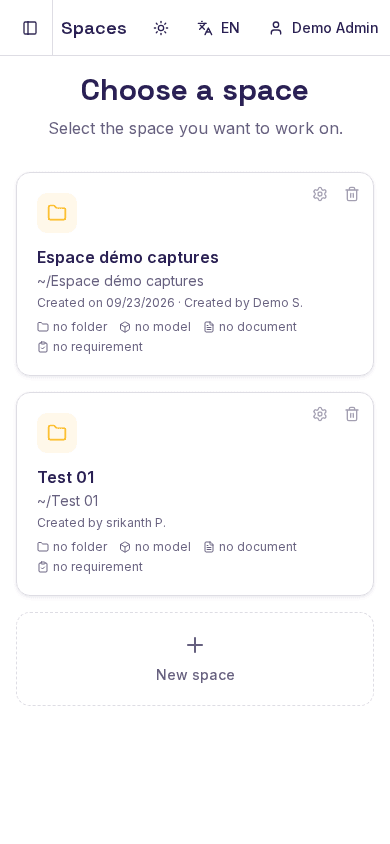
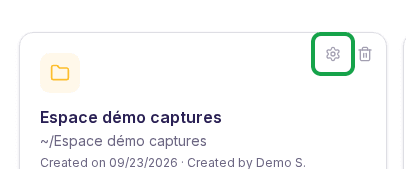
From the spaces list, choose the settings icon on the row of the space you want to change to open the Revision retention dialog.
Save
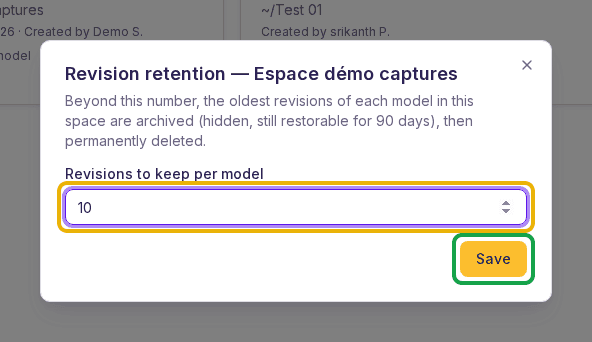
Enter the number of revisions to keep per model in the Revisions to keep per model field, then choose Save. Leave the field empty to disable the mechanism and keep every revision, as today.
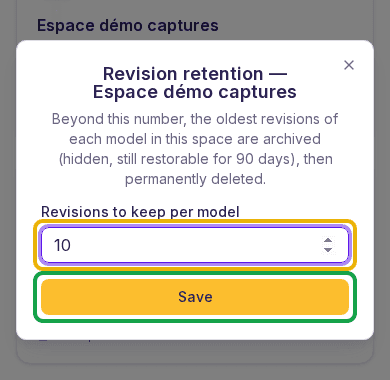
The Revision retention dialog: enter the number to keep per model, then Save.
What can go wrong
A revision disappeared from the list
If a revision of a model in this space became older than the configured count, it was archived: it no longer appears anywhere in the app. This is not an error — it is the expected behavior of the setting. It stays recoverable for 90 days; after that it is permanently deleted.
The change does not seem immediate
Setting the number of revisions to keep does not instantly archive the extra ones: sorting happens during an automatic nightly pass, not the moment you save the setting.
FAQ
How long do I have to recover an archived revision?
90 days from the moment it drops out of the kept count. There is no self-service recovery in the app: contact your SeveUp point of contact before the deadline.
What happens after the 90 days?
The revision is permanently deleted: the IFC file and all its associated data are destroyed. This step is irreversible, with no exception.
Does the setting apply to my whole organization?
No. Each space has its own setting, independent from the other spaces in your organization.
Can I turn this off and keep everything again?
Yes, at any time: clear the field and save. This stops archiving new revisions, but does not restore revisions already archived or already deleted.
Did this article help you?
Yes / No — your feedback helps decide which steps of this procedure need clarifying.
Related pages
Vérifié sur SeveUp App v0.1.0 le 2026-09-23